Luigi’s Mansion 3 First Impressions

Yesterday, Luigi’s Mansion 3 was released for Nintendo Switch. I was a big fan of the original GameCube game (giving it a 8/10 rating), and I replayed it just last year. So it’s great to see the series vac again. Note: I have not played the 2nd game in the series, Dark Moon, on Nintendo 3DS.
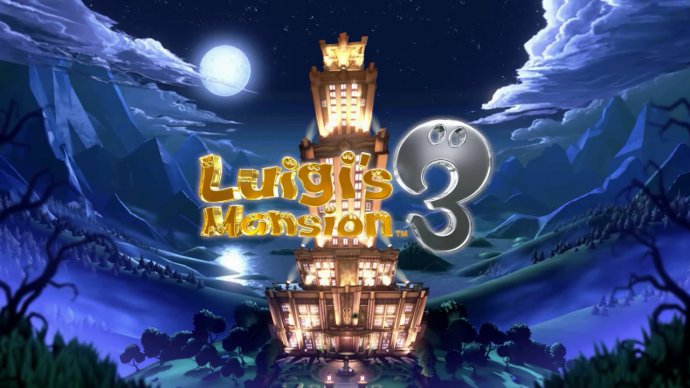
Luigi's Mansion 3 title screen

The game starts out with Mario, Peach, the Toads, and Luigi (and his ghost dog) on a bus, heading to a fancy hotel for a nice vacation after Luigi was sent an invitation.
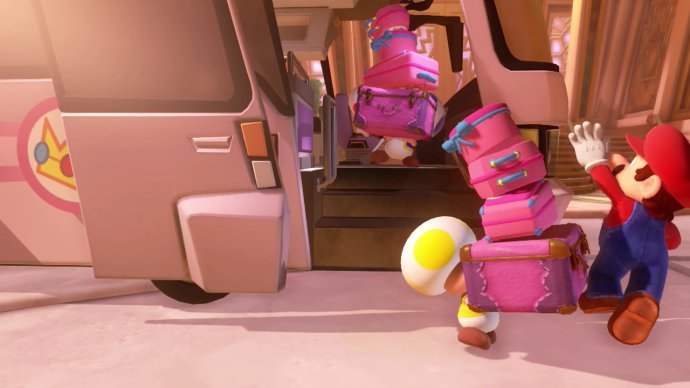
The Toads carry the luggage in Luigi's Mansion 3.
Mario and Peach run on ahead, leaving he Toads to carry all the luggage.

What’s Up with the Controls?

It isn’t long before Luigi discovers that the others have gone missing, and the hotel is haunted. Luigi initially has just a flashlight, but he soon discovers a Poltergust vacuum he can use to suck up the ghosts.

Pressing the right stick up moves your flashlight/Poltergust up, and pressing it down moves it down. That might sound fine, except for the fact that it was the exact opposite in the original game! I’ve played enough with the original’s inverted controls that it’s hard to unlearn them. And Luigi’s Mansion 3 offers no option to change them back!

Why are customizable controls not an option in this day and age? Especially when the defaults are the complete opposite of what they were in the first game? The game does support motion controls, so perhaps I can adjust to tilting the controller forward and back if I can’t switch the vertical axis.

Oh, the Horror!

In the original Luigi’s Mansion, Professor E. Gadd gave you a “Game Boy Horror” that displayed a map and offered other assistance. That tradition continues in a way that make you see red. Literally. The professor gives you a Virtual Boo, which is based on Nintendo’s failed Virtual Boy system from the 1990s.
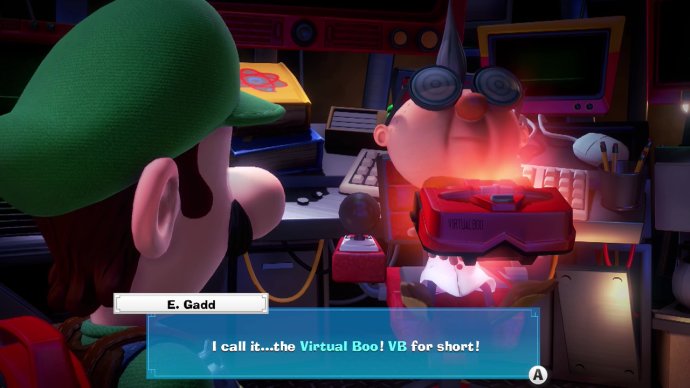
Luigi's Mansion 3 screenshot. E. Gadd: I call it...the Virtual Boo! VB for short!

And just like that system, the Virtual Boo’s screens are all red.
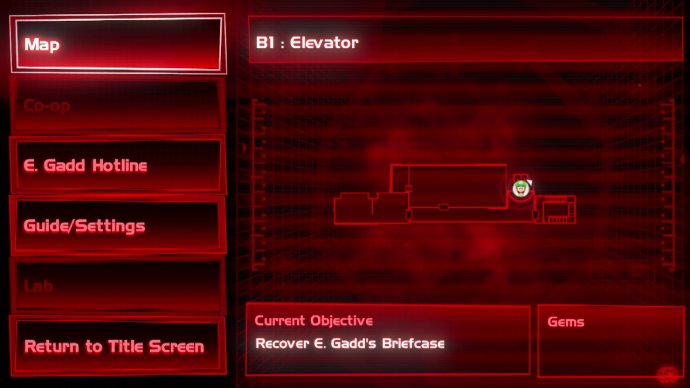
The Virtual Boo map screen in Luigi's Mansion 3.

Sucking Gameplay

Luigi stuns ghosts with his flashlight, and then sucks them up with his Poltergust vacuum. Once you pull on a ghost long enough, you can sometimes press the A button to slam a ghost back and forth on the floor to reduce its health quicker. I’m not sure why the ghosts don’t just pass right through the floor, but it is an enjoyable and helpful tactic…particularly when multiple ghosts are in the area.
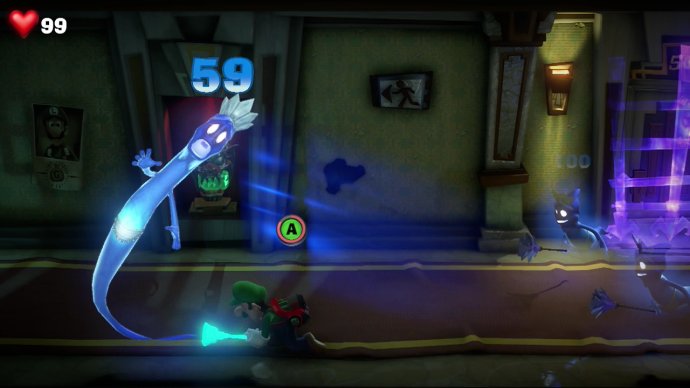
Luigi slams a ghost to the floor in Luigi's Mansion 3 for Nintendo Switch.

There are tons of hidden coins, gems, and other treasures to find along the way. And in fact, so far I’ve spent much more of my time searching for goodies than I have fighting ghosts. At least early on, many rooms don’t even have ghosts in them. So the game has a different feel from the original…although I’m sure that’s likely to change before long.

One very minor complaint is that ghosts don’t display their hearts like they did in the first game. Seeing a ghost’s heart, and the accompanying sound effect when you locked onto a ghost, was very satisfying in the original game. I’m a bit sad that didn’t return, but again, it’s not a big deal.

Let’s a Goo!

Within the first couple hours, you unlock Gooigi. He’s basically a clone of Luigi that’s made out of goo. Or slime. Or snot. Whatever he’s made of, Gooigi can pass through fences and grates that Luigi can’t. However, Gooigi will melt if he touches water…so some areas will be off-limits to him.

Gooigi can be used to help you reach new areas, and he can also be used as a second character for puzzles that require two things to be done at once. You can swap between Gooigi and Luigi at any time, or recall Gooigi to your slime tank when you’re done with him.
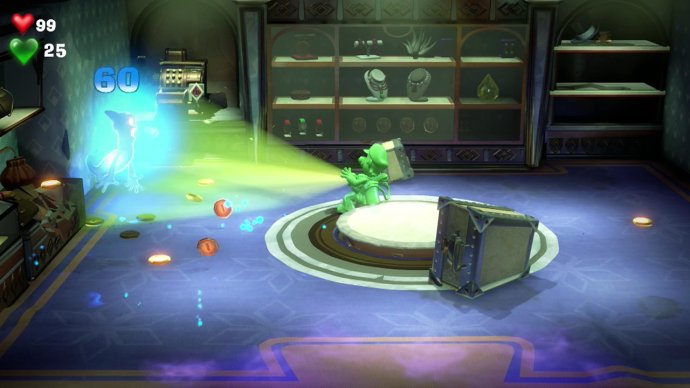
Gooigi sucks up a ghost in Luigi's Mansion 3 for Nintendo Switch.

Departing Thoughts

The game seems to be considerably longer than the original, which is definitely a good thing. The original game’s short length was its biggest flaw, so I’m glad to see this game will suck even more of my time away. πŸ˜›

I’m about three hours into Luigi’s Mansion 3 now, and I’m definitely enjoying my time so far. And I still haven’t tried out the online play or other game modes yet. I’ll be sure to post a review once I beat the game and give those other modes a try.

Want to buy Luigi’s Mansion 3 at Amazon?
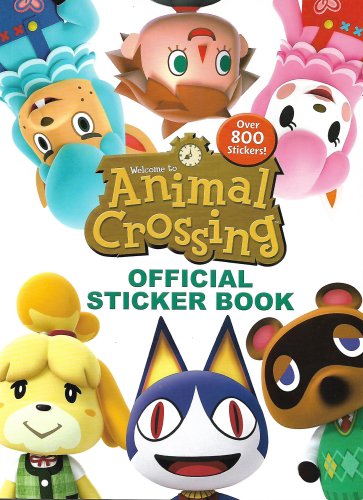
Animal Crossing Sticker Book Impressions

I recently got my hands on the Animal Crossing sticker book that was released earlier this year. This post covers my impressions and thoughts about the book.

Animal Crossing Sticker Book cover

The Stickers

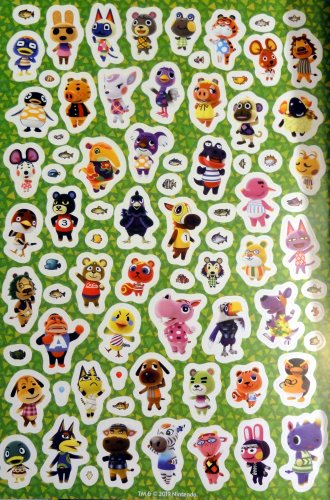
Of course, the main attraction here is the stickers…and there are a lot of them. Over 800, in fact. There generally seems to be one sticker of each New Leaf villager, including the RV villagers that were featured on cards from the Welcome Amiibo update. I should note that I didn’t check for every specific villager, but it’s likely that they’re all included. Except, of course, villagers from other game series that were unlocked with Amiibo figures. So there are no stickers of W. Link, Epona, VichΓ©, Cece, Ganon, or Inkwell, for example.

This is one of 16 pages full of stickers.

Aside from the villagers, there are also stickers of fish, bugs, flowers, fruit, balloons, music notes, stars, tools, PWPs (public works projects), seashells, Nook’s leaf icons, trees, furniture, and NPCs (non-playable characters such as Isabelle and Tom Nook).

Not An Album

One thing that should be pointed out: This is a sticker book, not a sticker album. The pages are not glossy, and you will probably not have much success if you try to move a sticker after you’ve already placed it in the book.

Activities

The book itself is basically an activity book for children. You’ll find some word searches, mazes, connect the dots, and pages where you’re asked to unscramble words or count the objects on a page.

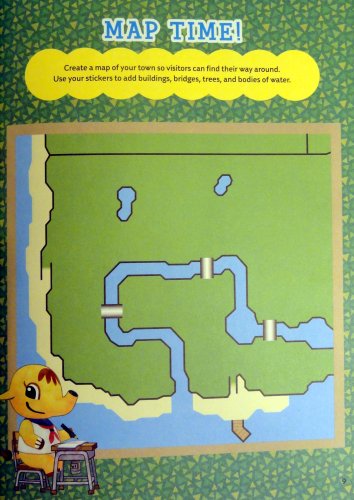
The more interesting parts of the book are the ones that encourage creativity. One page shows a town tree and lots of green, open space. You’re asked to use stickers to add trees, a fountain, flowers, and more to improve the look of your town. Another page asks you to design a fun scene for each season (with backdrops of winter, spring, summer, and autumn).

A page from the Animal Crossing sticker book called Map Time! Design your town map.
Design your town.

Some other pages ask you to design the layout of your house, or even make a pattern to use as wallpaper. Another page shows comic strip style scenes with various characters and an empty speech bubble. You’re asked to write in the bubbles to complete the comic strip.

An Appealing Book

While some of the activities are clearly designed for very young children, other activities will appeal to all ages. And of course, everyone loves stickers! If it sounds good, you can buy the sticker book at Amazon. I bought one to give as a gift and another one for myself. πŸ˜€

If you have any questions about the book, just leave a comment below.

Doom (1993) Switch Impressions

On Friday (July 26th), three classic Doom games (the original Doom, Doom II, and Doom 3) had surprise releases on current consoles, including Nintendo Switch. In the U.S., the Switch versions are priced at $4.99, $4.99, and $9.99, respectively. As a big fan of the classic Doom games, I was quite excited about the news.

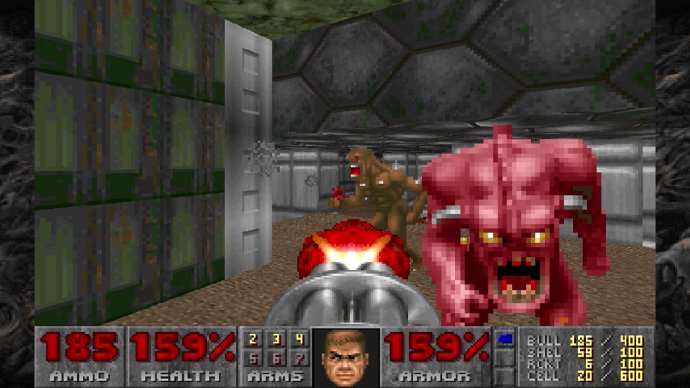
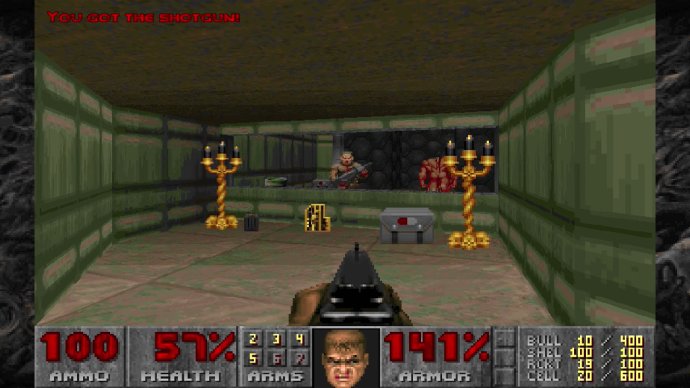
Gameplay screenshot of Doom (1993) on Nintendo Switch.

That excitement evaporated quickly when I heard that the first two games required online logins to bethesda.net. Definitely not what I was expecting for a port of a 25-year-old offline game on a portable/console hybrid system. While some users on Twitter reported that you could get around the login requirements (after the initial sign-up) by switching to airplane mode, the whole thing left a sour taste in my mouth.

The backlash led Bethesda to change their tune, and they announced that the game will be patched so that the online login will be optional.

Since a fix is in the works, I went ahead and bought the first game late last night. The original Doom is one of my favorite games of all-time. I first played it on the Atari Jaguar, and again later on the PlayStation.

I had some fun replaying the first few levels, although I had some trouble remembering how to access many of the secret areas. But that just means I have to thoroughly explore the levels, all over again. Fine by me. πŸ™‚

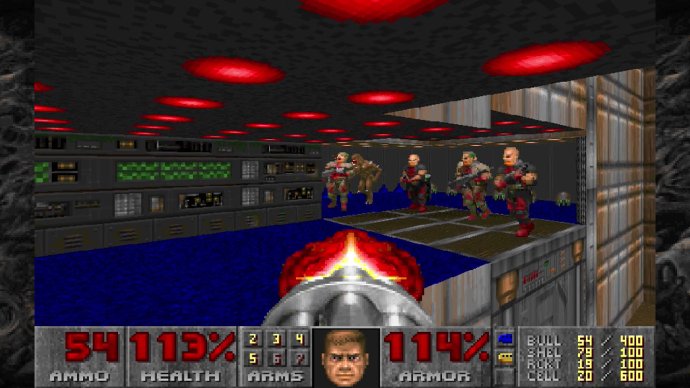
Gameplay screenshot of Doom (1993) on Nintendo Switch.

But even after just a short time with the game, I could tell that this was not a great port…even aside from the online login requirement. My biggest complaint is that the controls are not customizable. There are three control layouts, depending on which controller you’re using, but you can’t customize them.

Both the Jaguar and PlayStation versions (from the 1990s) allowed you to customize the controls, so why can’t a 2019 version on much more powerful hardware do the same? You have to use the analog stick to strafe, and I prefer using the shoulder buttons for that. And I can’t seem to find a way to zoom in and out on the map.

As some Twitter users have pointed out, the music plays a bit slower and doesn’t always sound right. I also encountered some minor sound effect glitches, and the game once froze up after returning the Switch from sleep mode.

This clearly isn’t a perfect Doom port, but of course, the game is still lots of fun to play. And at just $4.99 U.S., it’s a great deal. You just might want to wait for the patch to come if you don’t want to have to create, and log into, a new Bethesda.net account. I don’t know if that patch will have any other improvements or not. But despite the flaws, I am definitely enjoying Doom so far.

The player uses a shotgun in this gameplay screenshot of Doom (1993) on Nintendo Switch.

Note: The game has split-screen local gameplay, which sounds like a great addition. However, I have not tried that out yet.